PieceKit, Rules Tutor, Text Labels, Undo/Redo, Containers, Asset Import/Export, Timers and multiple languages
We continue to add new features to make the platform even more compelling. Here is a summary of some of the latest features, which are also shown in the Features page with illustrations.
Rules Tutor
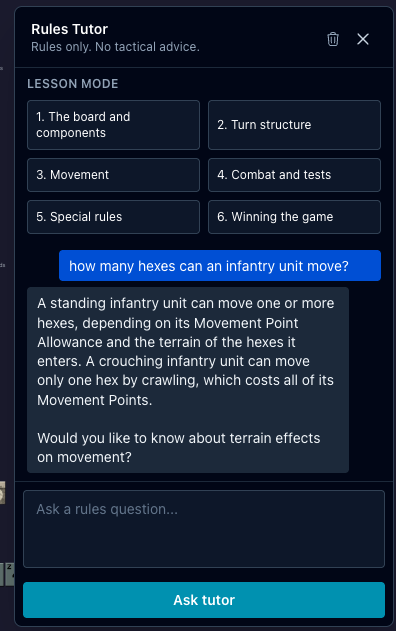
Ludika is built for serious gaming, and some games are quite complex, with rulebooks running to many dozen pages. While we also provide the References to show the whole rulebook as a PDF, and charts and other aids, what if you could just ask about it? Or have someone give you an introductory walkthrough or tutorial of the game? This is the AI age, so our built-in Rules Tutor can do just that for you. Ask it about a rule, get an intro tutorial, ask it a question from the game table chat, and it answers right there for everyone, or just for you. But it won't give you advice on how to play, that's off limits! It just takes your rulebook and makes it more accessible.
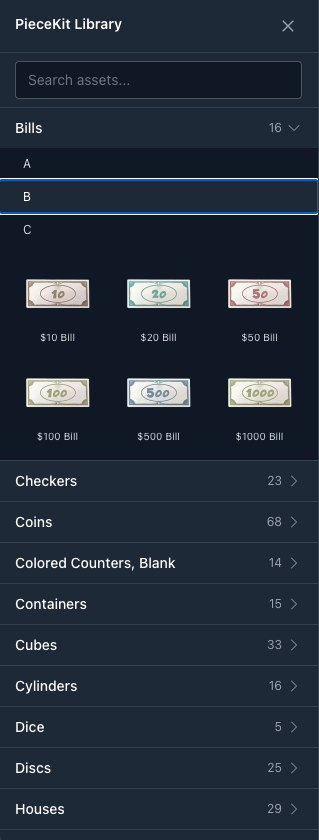
Ludika is the perfect place to create that new game you have in mind, and to jump-start your ideas, it provides a library of ready-made pieces to jump-start game creation: tokens, markers, dice, and more so you can prototype and play faster.
Sometimes you need to point something out on the map, like "attack here" or "this is the market district." Text Labels let you place editable text directly on the game board, visible to all players. Use them to mark locations, highlight objectives, leave notes, or label areas during play. They stay put on the map so everyone can see what you're pointing at. Sample Labels
Replay
Want to experiment alternative moves or "what-if" situations? Replay entire game sessions move by move for review or learning, or for "what if I had played a different move or had better luck in that dice roll"? Or continue a game from a previous point-in-time.
Containers
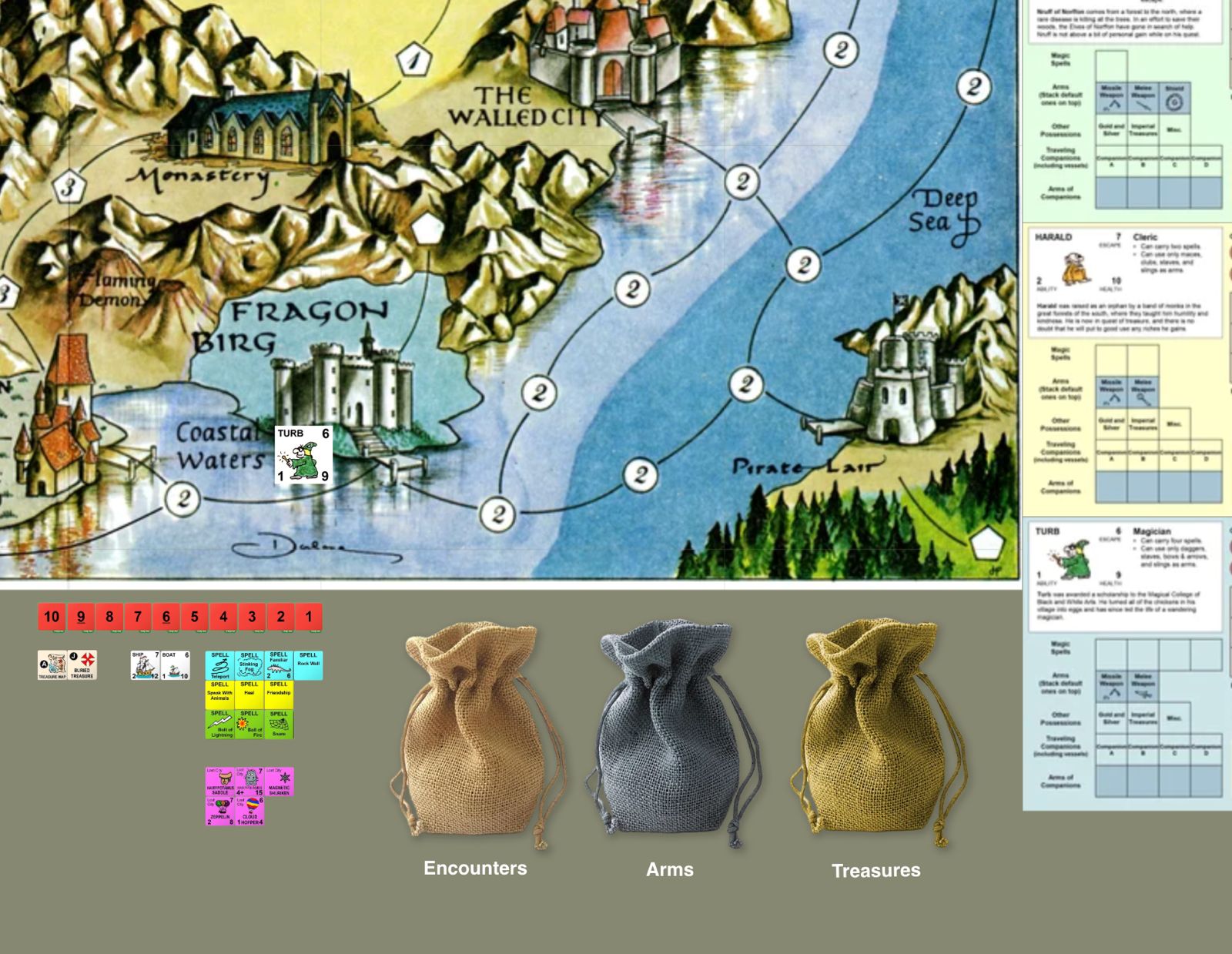
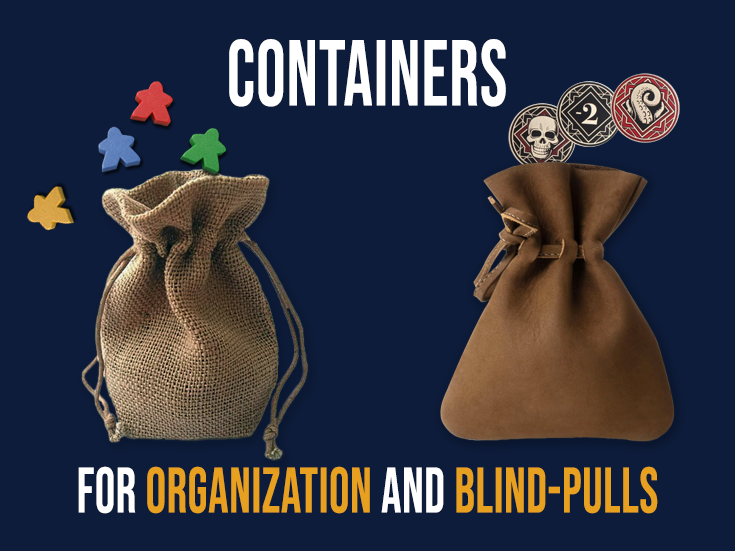
Drop cards or tokens into visual containers by dragging them in; they disappear from view. Draw any number back out at random, just like reaching into a bag or cup. This is like the token bag in Qwirkle, for example, or Scrabble, but is used in many other games too. Containers
Asset Import/Export
You are designing the Next Big Game, or variations of one you already made, and need to copy assets. Export any asset: tokens, decks, board tiles, labels, containers, timers, etc. as a portable ".lasset" file via the context menu. Import them back on any table with a single click.
Timers
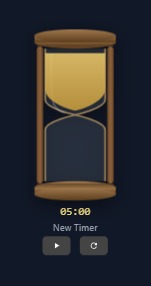
Tempus Fugit! And some players like to take their time (and test your patience). Some games are strictly timed, others it's just nice to know how something is taking, so we added Timers. Place count-up or count-down timers on the table in multiple visual styles. Timer events (start, stop, reset) can broadcast to the chat so everyone stays in sync. It's your move! Timer
Multi-language
Noticed that the website is now available in English, German and Spanish? More languages will be added in the future too, like French. The translations apply also to the game table. We want Ludika to be the world's online boardgame table, uniting players across language boundaries!